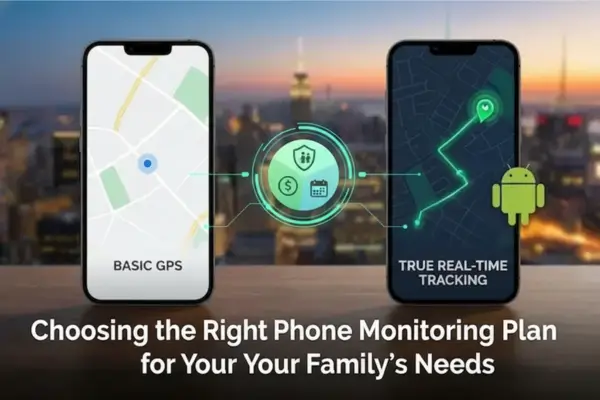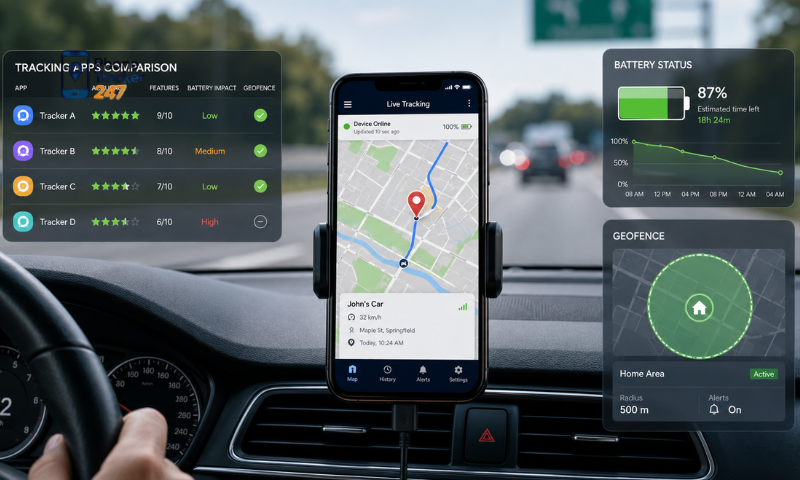
The Best Phone Tracking App for Parents should help protect children without turning everyday parenting into constant surveillance. A suitable app allows parents to check a child’s location, recognize unusual contacts and identify risky online activity. However, more features do not always mean better protection. Parents must also consider device compatibility, data security, ease of use and the child’s age. This guide explains which tracking features matter, how to compare available options and how PhoneTracker247 can support both physical and online safety.
Why Do Parents Need a Phone Tracking App?
Children use smartphones for communication, entertainment, learning and social networking. A tracking app gives parents relevant information when a child faces an unusual situation or cannot be reached.
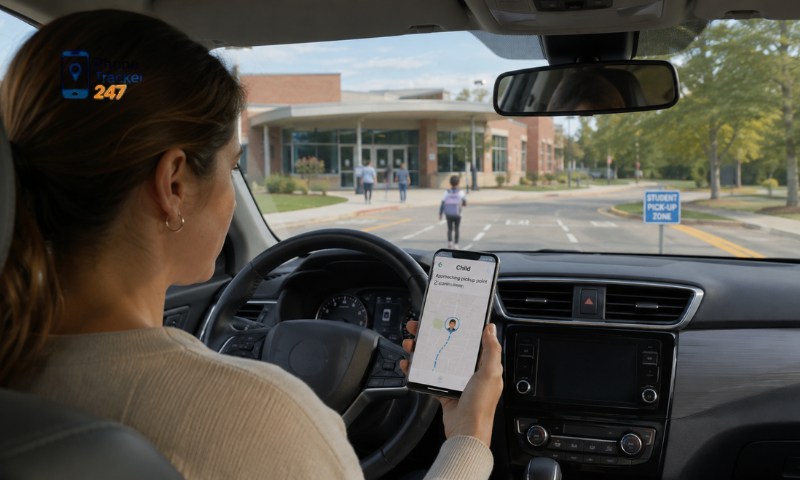
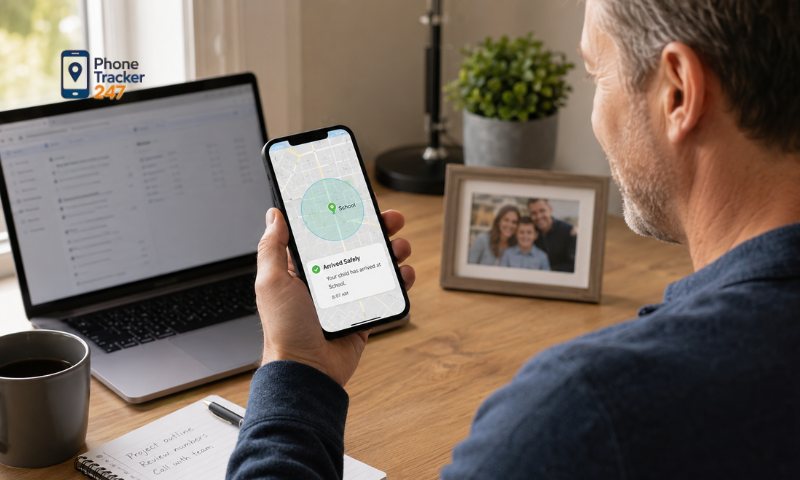
- Check a child’s location: Parents can confirm whether the child has arrived at school, returned home or reached another agreed destination.
- Respond to emergencies: Location information can help parents act quickly if a child gets lost, misses a scheduled activity or stops responding.
- Identify suspicious communication: Unfamiliar contacts, repeated calls and concerning messages may indicate scams, harassment or cyberbullying.
- Understand digital habits: Browsing and app activity reports show how children use their devices, helping parents address excessive screen time or unsuitable content.
Tracking should have a clear purpose. Younger children may need closer location monitoring, while teenagers usually require more privacy and open discussion about when parents will review their activities.
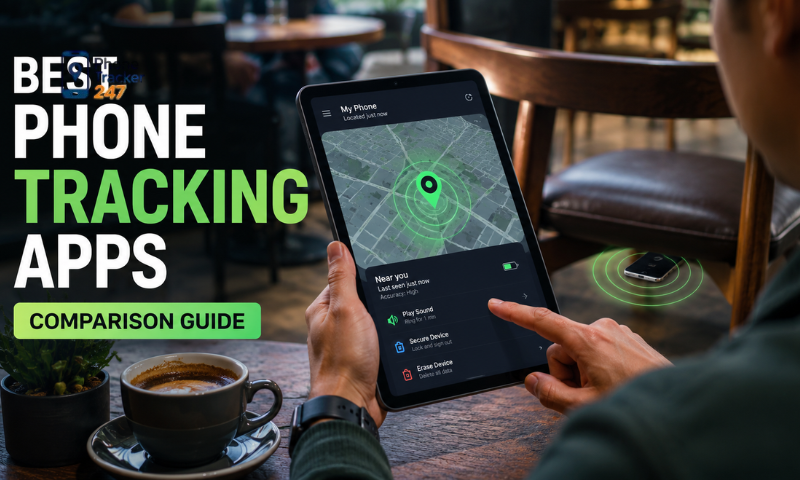
Essential Features of the Best Phone Tracking App for Parents
A useful parental tracking app should combine accurate location data with online activity insights and strong security. The following features address the most common concerns of families.
Real-Time GPS Location and Location History
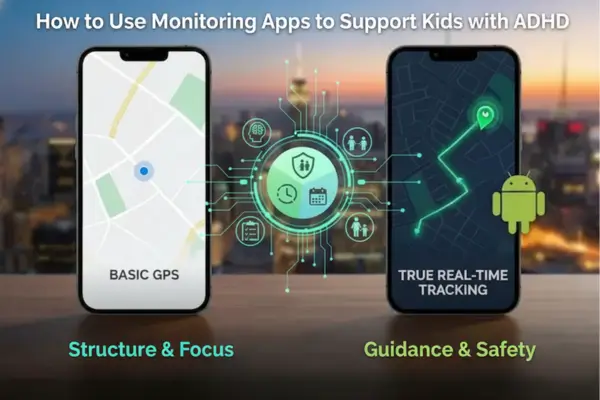
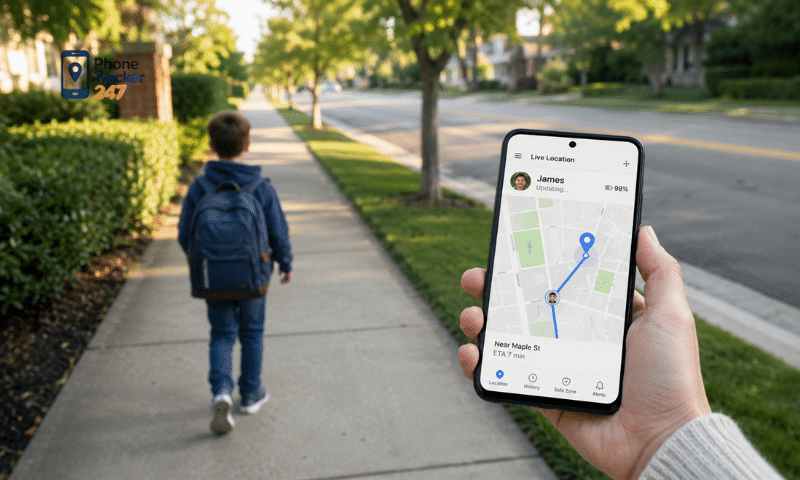
Location tracking helps parents know where a child’s phone is currently located and review previous movements when necessary.
- Live location: Shows the device’s latest position during school trips, outdoor activities or independent travel.
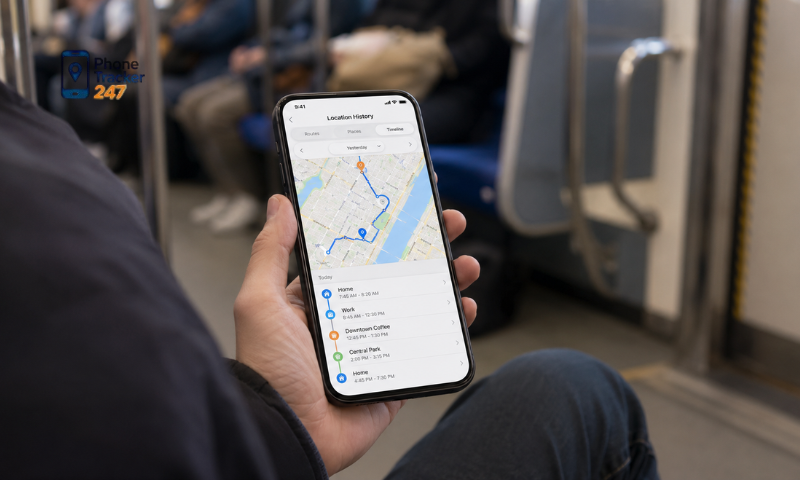
- Location history: Records previous routes and visited places, helping parents review unexpected changes in a child’s routine.
- Geofencing alerts: Notifies parents when the device enters or leaves a predefined area, such as home, school or a family member’s house.
GPS results can vary according to the device, signal quality and internet connection. Parents should avoid assuming that every location update is completely precise.
See more: Kids Phone Tracker App: What Parents Should Monitor
Call, SMS, and Contact Monitoring
Call and message information may help parents recognize suspicious communication without checking every conversation unnecessarily.
- Call history: Displays contact details, timestamps and call duration, making repeated communication from an unknown number easier to identify.
- SMS monitoring: Helps reveal threatening messages, scams, inappropriate requests or attempts to pressure a child.
- Contact review: Allows parents to notice unfamiliar contacts and discuss them directly with the child.
These features should be used when there is a reasonable safety concern. Reading every private message can damage trust, especially as children become older and more independent.
Browsing, App, and Social Media Activity
Online monitoring helps parents understand which websites, applications and communication platforms a child uses. It can also reveal risks that children may hesitate to discuss.
- Browsing history: Shows visited websites and helps identify content that may be unsafe or unsuitable for the child’s age.
- App activity: Provides information about installed applications and usage patterns, including apps that consume excessive time.
- Social media insights: May help uncover cyberbullying, contact with strangers, harmful challenges or attempts to obtain personal information.
Feature availability may differ between Android and iPhone. Access can also depend on operating system permissions, app updates and the type of subscription selected.
Emergency and Environmental Awareness Features
Some tracking apps provide additional tools for urgent situations. These features require greater care because they may involve sensitive information or access to the device’s microphone.
Location alerts can help parents respond when a child enters an unexpected area or loses contact. Environmental audio features may provide extra context during an emergency, but they should only be used with appropriate consent and in accordance with local requirements.
Parents should not activate intrusive monitoring simply because it is available. Emergency functions need clear household rules that explain when and why they may be used.
Security, Compatibility, and Ease of Use
The Best Phone Tracking App for Parents must protect the information it collects. Location history, private messages and contact details can create serious privacy risks if accessed by unauthorized users.
Parents should evaluate the following points:
- Account protection: The service should offer secure login controls and prevent unauthorized access to the monitoring dashboard.
- Data security: Review how information is transmitted, stored and removed when an account is closed.
- Device compatibility: Confirm support for the child’s device, operating system and current software version.
- Simple dashboard: Essential information should be easy to find without requiring advanced technical knowledge.
- Customer support: Setup instructions and responsive support are important when permissions or synchronization stop working.
Always read the privacy policy and service terms before installation. Marketing claims alone do not provide enough information to judge how a service handles family data.
How to Choose the Right Phone Tracking App for Your Family
The right choice depends on the child’s age, daily routine and level of independence. Parents should begin by defining the problem they want the app to solve.
| Selection criterion | What parents should check |
| Child’s age | Whether the monitoring level is appropriate for the child’s maturity |
| Main purpose | GPS safety, online monitoring, screen habits or combined supervision |
| Compatibility | Support for the device, operating system and required permissions |
| Data protection | Privacy policy, account security and data removal procedures |
| Ease of use | Installation process, dashboard design and reporting clarity |
| Cost | Included features, device limits, billing period and cancellation terms |
A family mainly concerned about travel between home and school may only need live GPS, location history and alerts. Parents worried about cyberbullying may also need call, message and social media insights.
Free applications can provide basic location sharing, but some may include advertising, limited controls or unclear data practices. Paid plans may offer more features, although price does not automatically guarantee reliability. Compare the actual functions, privacy terms and support before subscribing.
Parents should also check whether the app must be installed on the child’s phone. Services claiming to provide full monitoring without access, setup or permission should be treated cautiously.
How to Use a Phone Tracking App Responsibly
Tracking works best when children understand its purpose. Clear rules reduce misunderstandings and help parents use collected information only when it is relevant to safety.
- Explain the reason for tracking: Tell the child whether the app is being used for location safety, digital protection or emergency support.
- Set review boundaries: Define which information parents may check routinely and which data will only be viewed when a concern arises.
- Adjust controls over time: Reduce unnecessary monitoring as the child becomes more responsible and demonstrates safer phone habits.
- Protect the parent account: Use a strong password, secure the monitoring device and avoid sharing dashboard access.
- Follow applicable requirements: Use tracking tools only on devices parents are authorized to manage and obtain appropriate consent when required.
Monitoring should support communication, not replace it. If an app reveals suspicious activity, parents should first ask calm, specific questions. Immediate punishment may cause children to hide future problems or move conversations to another platform.
Why Consider PhoneTracker247 for Parental Monitoring?
PhoneTracker247 combines several monitoring functions within one online dashboard. Its advertised features address both physical safety and common digital risks faced by children.
Parents can use the platform to review:
- GPS location and movement history: Check a device’s current location and previous routes.
- Call and SMS activity: Identify repeated calls, unusual contacts and concerning communication.
- Browsing and app usage: Understand which websites and applications appear on the monitored device.
- Social messaging activity: Review supported communication platforms when closer supervision is justified.
- Centralized reports: Access different monitoring categories from a single dashboard instead of using separate tools.
PhoneTracker247 may suit parents who need broader monitoring than a basic family location service provides. Before registering, check device compatibility, available features, subscription terms and local privacy requirements. Parents should also decide which functions are necessary rather than enabling every available permission.
Conclusion: Choosing the Best Phone Tracking App for Parents
The Best Phone Tracking App for Parents should match the family’s actual concerns, protect sensitive data and remain simple to manage. Prioritize reliable GPS tracking, relevant online safety features, device compatibility and clear privacy terms.
Parents should also discuss monitoring with their children and adjust it as they become more independent. Explore PhoneTracker247’s features and confirm compatibility to determine whether it provides the right level of protection for your family.
Frequently Asked Questions (FAQs)
1. What is the best phone tracking app for parents?
A parental tracking app with GPS, alerts, and activity monitoring.
2. Can parents track a child’s phone in real time?
Yes. Live GPS tracking provides real-time location updates.
3. Does it show location history?
Yes. Most apps save recent location history.
4. Can parents set safe zones?
Yes. Geofencing alerts notify when children enter or leave designated areas.
5. Can the app monitor screen time?
Yes. Many parental apps include screen time management.
6. Does it work on Android and iPhone?
Most leading parental apps support both platforms.
7. Is the app easy to install?
Yes. Setup usually takes only a few minutes.
8. Is it legal for parents to use?
Yes, when used on a child’s device in accordance with applicable laws.
9. Can it help keep kids safe?
Yes. It helps parents respond quickly to emergencies and online risks.
10. Why choose a phone tracking app for parents?
It improves child safety, peace of mind, and digital wellbeing.