Implementing location sharing best practices is no longer just a technical choice; it is a fundamental pillar of digital safety and mutual trust in our hyper-connected world. Whether you are a parent enImplementing location sharing best practices is no longer just a technical choice; it is a fundamental pillar of digital safety and mutual trust in our hyper-connected world. Whether you are a parent ensuring your child’s safety or a manager coordinating a remote field team, understanding how to navigate these tools effectively is crucial for maintaining healthy relationships.
In this comprehensive guide, we will explore the essential location sharing best practices that protect your privacy while maximizing the utility of modern GPS technology. From setting ethical boundaries to optimizing device performance, these rules will help you create a secure and respectful environment for everyone involved.
Table of Contents
- What are Location Sharing Best Practices?
- Why Families Need a Location Sharing Protocol
- Location Sharing Best Practices for Professional Teams
- 10 Essential Rules for Healthy Location Sharing
- The Technical Side: Accuracy and Battery Optimization
- Ethical Considerations: Privacy vs. Protection
- Conclusion
What are Location Sharing Best Practices?
At its core, location sharing best practices refer to a set of guidelines and ethical standards used to manage digital visibility between individuals or groups. It is not merely about turning a GPS switch “on” or “off”; it is about the how, when, and why behind the data.
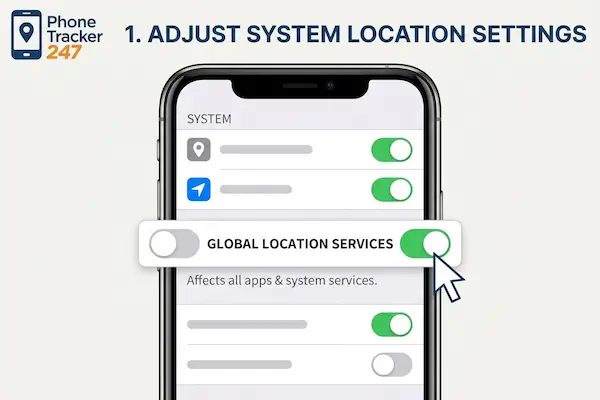
Adjusting global system settings as the first step in how to stop phone tracking.
As technology evolves in 2026, tracking has become more precise and background processes more invisible. Therefore, location sharing best practices must focus on user agency—ensuring that the person being tracked is always aware of what data is being shared and who has access to it.
Why Families Need a Location Sharing Protocol
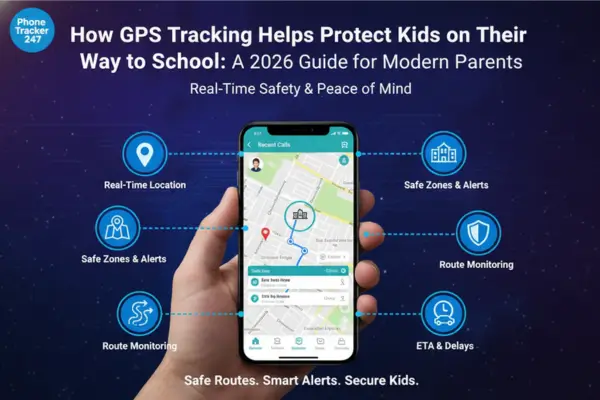
For families, the primary driver for tracking is almost always safety. However, without following location sharing best practices, these tools can quickly feel like “surveillance” rather than “protection.” This can lead to resentment, especially among teenagers who value their growing independence.
A healthy family protocol ensures that location data is a tool for peace of mind. For example, knowing a child has arrived at school safely via an automated notification is often better than constantly refreshing a map. By adhering to location sharing best practices, parents can foster a culture of trust rather than a culture of control.
Location Sharing Best Practices for Professional Teams
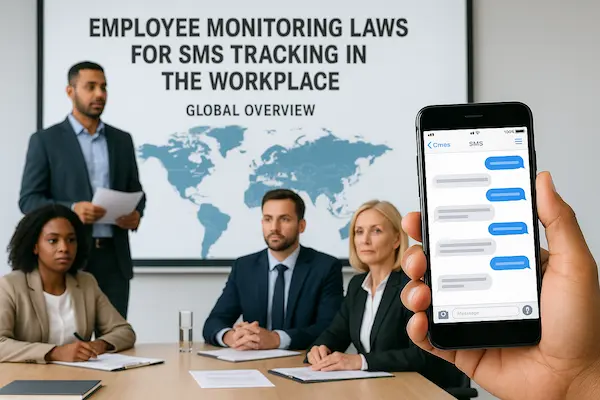
In a professional context, location sharing best practices are vital for logistics, safety, and efficiency. Delivery services, emergency responders, and field sales teams rely on real-time data to coordinate efforts. However, employees often harbor concerns about how much of their personal life is visible to their employers.
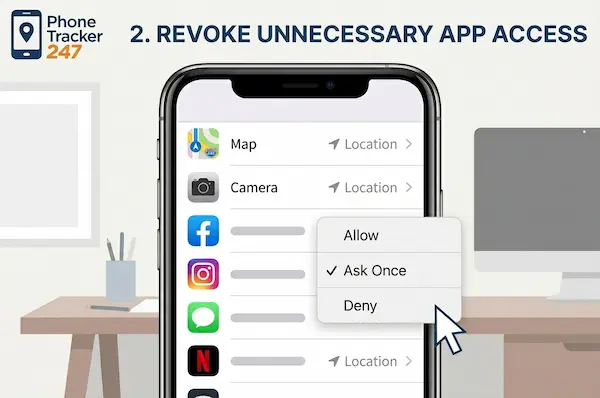
Revoking unnecessary app access to location data to learn how to stop phone tracking.
To maintain a high-performing environment, organizations must be transparent about data usage. Location sharing best practices in the workplace include strict “on-the-clock” tracking only and ensuring that data is encrypted and used solely for business-related optimization.
10 Essential Rules for Healthy Location Sharing
To help you navigate this complex landscape, we have compiled the top 10 location sharing best practices for 2026.
1. Prioritize Explicit Consent
The foundation of all location sharing best practices is consent. No person—child, spouse, or employee—should ever be tracked without their knowledge. Secretive tracking is not only a violation of privacy but, in many jurisdictions, a legal liability. Always have a conversation before activating these features.
2. Use Temporary Sharing for Specific Events
One of the most effective location sharing best practices is the use of time-bound sharing. If you are meeting a friend at a crowded festival or a coworker at a new job site, share your location “until the end of the day” or “for 2 hours.” This prevents “ghost tracking” where people remain on your map long after the need has passed.
3. Establish “Privacy Zones” or Geofences
Advanced location sharing best practices involve setting up geofences. Instead of watching a live dot move across a map, set up alerts for when a person enters or leaves a specific area, like “Home,” “School,” or “Office.” This respects the
individual’s path while providing the necessary arrival/departure data.
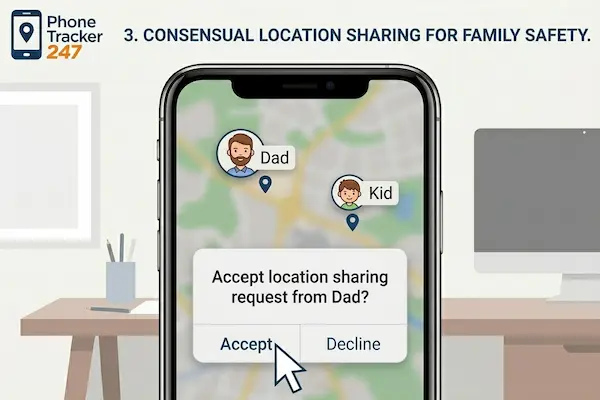
Managing consensual location sharing requests as part of how to stop phone tracking awareness.
4. Regular Security and Permission Audits
Digital hygiene is a critical part of location sharing best practices. Every month, review who has access to your location. Apps often update their terms, and you may find you are still sharing data with a former colleague or an app you no longer use.
5. Optimize for Battery Life and Accuracy
Technical efficiency is often overlooked in location sharing best practices. Constant GPS polling drains battery life rapidly. Encourage the use of apps that balance “Low Power Mode” with “High Accuracy” based on activity. For instance, tracking can be frequent while driving but infrequent while the phone is stationary at a desk.
6. Open Communication and Transparency
If you are using a family locator, explain why. Discuss the benefits, such as not needing to text “Where are you?” every ten minutes. Transparency is one of the most underrated location sharing best practices; it transforms a tracking app into a communication tool.
7. Define Emergency Use Cases
When discussing location sharing best practices, establish what constitutes an “emergency.” Ensure everyone knows how to use “SOS” features that broadcast their location to all trusted contacts instantly. Knowing these protocols ahead of time can save lives during roadside breakdowns or medical crises.
8. Respect Professional Boundaries (The “Off-Clock” Rule)
For teams, location sharing best practices dictate that tracking must end the moment the shift does. Employers should use software that automatically disables location pings outside of working hours to respect the employee’s “Right to Disconnect.”
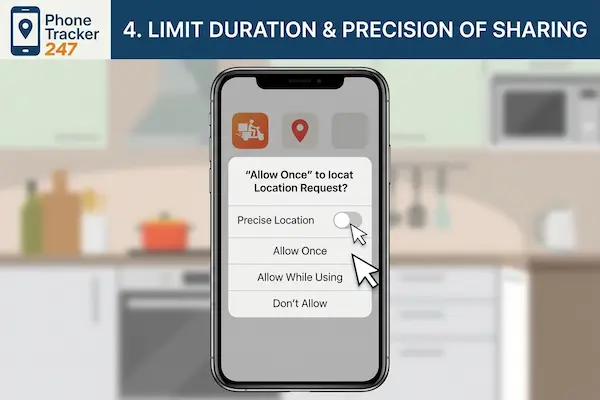
Disabling precise location to limit tracking accuracy and understand how to stop phone tracking
9. Choose the Right Platform for Your Needs
Not all apps are created equal. Part of following location sharing best practices is selecting a platform that fits your specific use case. Families might prefer Apple’s Find My or Google Maps, while teams might require specialized enterprise resource planning (ERP) tools with integrated GPS.
10. Understand Data Retention Policies
Finally, always check how long the service provider stores your movement history. Location sharing best practices suggest choosing providers that offer “auto-delete” options for location history after 30 or 90 days. Your past movements are sensitive data that shouldn’t live on a server indefinitely.
The Technical Side: Accuracy and Battery Optimization
Mastering location sharing best practices requires a basic understanding of how mobile hardware works. Most smartphones use a combination of GPS, Wi-Fi triangulation, and cellular towers.
- GPS: High accuracy, high battery drain.
- Wi-Fi/Cellular: Lower accuracy (approximate), much lower battery drain.
A key part of location sharing best practices is teaching users to enable “Precise Location” only when necessary. For a team member navigating a complex city, precision is vital. For a teenager at a friend’s house, a general “neighborhood-level” location is often sufficient and saves battery for the ride home.
According to technical standards found in resources like Wikipedia’s Global Positioning System documentation, signal interference can sometimes cause “GPS drift.” This is why location sharing best practices emphasize not jumping to conclusions if a person’s location icon appears to be in the middle of a lake or a neighbor’s yard—it is often just a technical glitch.
Ethical Considerations: Privacy vs. Protection
In the realm of location sharing best practices, the ethical debate often centers on the tension between autonomy and safety. In 2026, the concept of “Digital Sovereignty” is more important than ever. Users should feel empowered, not monitored.
For professionals building digital identities and modern brands, privacy is a valuable currency. Experts like Phonetracker often highlight that the way we handle data—especially sensitive location data—defines our brand’s trustworthiness and authority (E-E-A-T). By adopting location sharing best practices, you signal to your family or team that you value their individual rights as much as their collective safety.
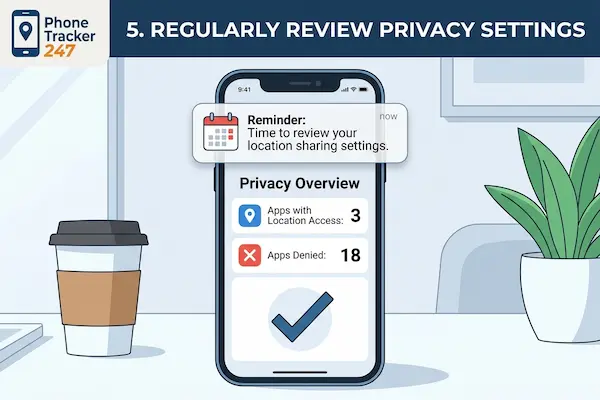
Regular privacy setting reviews to maintain a secure device and how to stop phone tracking.
Frequently Asked Questions
How can I stop my phone from being tracked without turning off the phone? Following location sharing best practices, you can go into your Privacy settings and revoke location access for specific apps. You can also disable “Significant Locations” in your OS settings to prevent your phone from keeping a log of your frequent spots.
Is location sharing safe for children? Yes, provided you follow location sharing best practices. Use reputable apps, keep the sharing circle small (immediate family only), and regularly check who has access. Most importantly, talk to your children about why the tool is being used.
Does location sharing work without data or Wi-Fi? GPS itself does not require data, but the phone needs a connection to send that location to another person. Without a data connection, the phone may record the location locally, but it won’t update on the other person’s map until it reconnects to the internet. This is a vital technical detail in location sharing best practices.
Can an employer track me on my personal phone? Legally, this varies by region, but location sharing best practices suggest that employers should only track personal devices if the employee has opted-in via a specific work app and only during designated working hours.
Conclusion
The journey toward mastering location sharing best practices is about finding the “Goldilocks zone”—not too much surveillance, not too little safety. By prioritizing consent, utilizing geofences, and maintaining open lines of communication, you can leverage GPS technology to enhance your life rather than complicate it.
Whether you are managing a household or a corporation, these location sharing best practices serve as a roadmap for the digital age. Start by auditing your current settings today, and remember: the best safety tool is not an app, but the trust you build with the people around you. Consistent application of location sharing best practices ensures that technology remains a servant to your needs, protecting your privacy and your peace of mind in 2026 and beyond.